Want to sing over a favorite instrumental? You can sometimes find an official karaoke version, or use audio-separation tools to estimate an instrumental track from an existing recording. The result depends on the mix: modern AI is useful, but vocals and instruments often overlap in the same frequencies.
Start with a good-quality audio source, use a vocal-separation tool, listen for remaining voices and missing instruments, then save and test the instrumental before using it for karaoke.
1. Look for an existing instrumental or karaoke version
Before separating anything, check whether an authorized instrumental version is already available. A properly produced backing track can sound cleaner than one extracted from a mixed recording. Verify the song version, key, tempo and length so that the track matches what you want to sing.
2. Choose the best source recording
Use a clean audio file you have the right to process. Low-bitrate recordings, room noise and heavily compressed clips can make separation more difficult. Higher quality does not guarantee a perfect instrumental, but poor input often gives algorithms less to work with.
Keep a copy of the original file so you can compare the separated result with the source.
3. Separate the vocal and instrumental parts
Audio-separation tools analyze the mixed recording and estimate different sound components. Some provide two tracks, often called vocals and instrumental. Others offer more stems such as drums or bass. The exact choices depend on the application.
Process a short section first if you are comparing tools. A quick sample containing a chorus and a quiet passage can reveal problems before you commit to a long export.
4. Check for artifacts and missing instruments
Listen for ghost vocals, watery high frequencies, muffled drums and instruments that fade unexpectedly. Backup vocals, reverb and instruments in the vocal frequency range can be difficult to separate cleanly. No separator can guarantee studio-grade isolated stems from every finished song.
Test the instrumental at the volume you plan to use. A track that sounds fine quietly can reveal artifacts on loudspeakers.
5. Prepare a karaoke-ready file
Adjust the output level conservatively and choose a compatible audio format. If you also need a lyric video, prepare the text separately and check its timing against the backing track. Audio separation does not automatically provide accurate lyric synchronization.
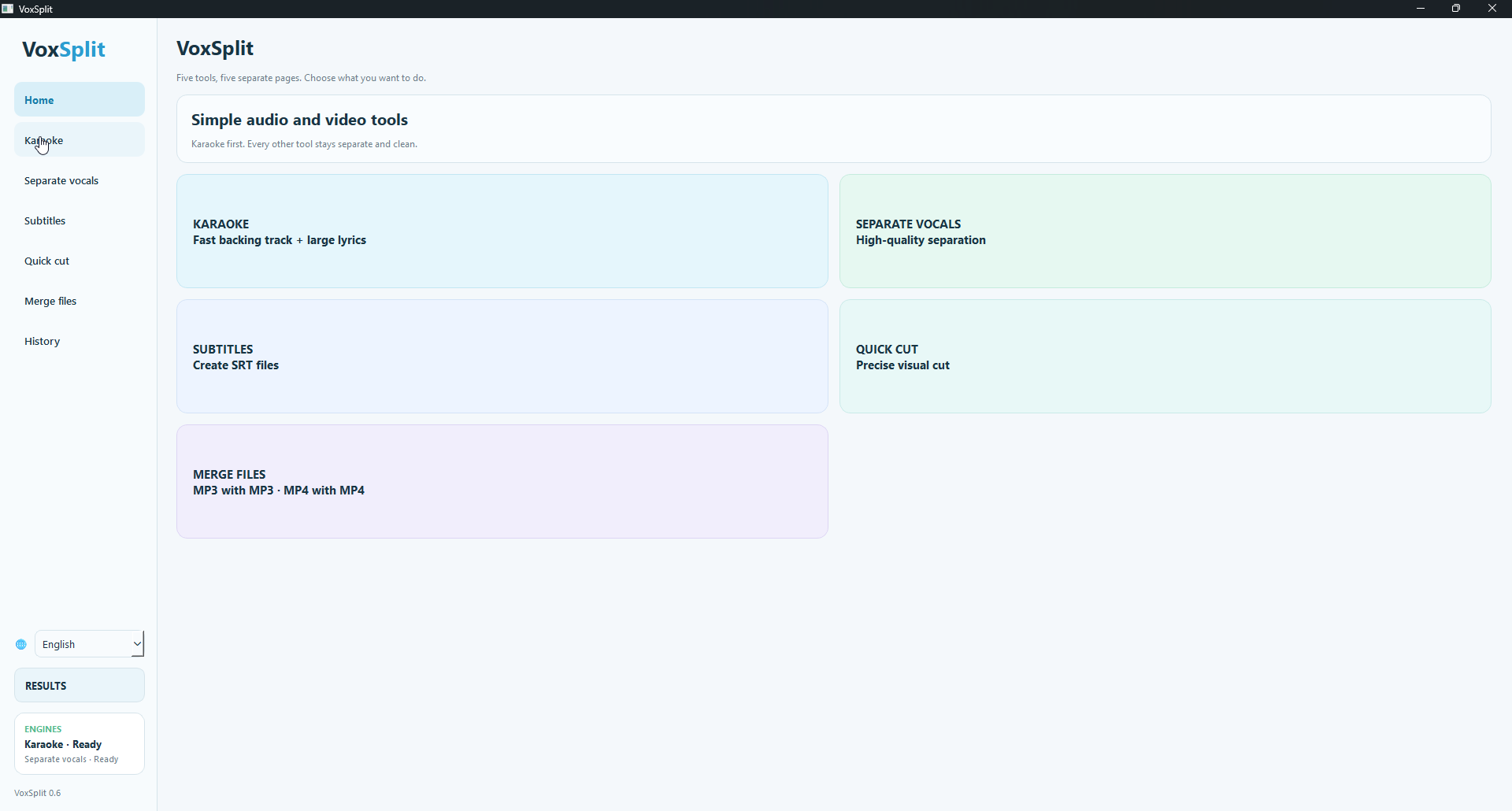
VoxSplit AI is a Windows toolkit combining AI karaoke and vocal separation with subtitle generation, quick trimming, file merging and playback. Its listed workflow processes media locally without requiring a mandatory account.
Copyright and sharing
Separating vocals does not remove the rights attached to a song or recording. Personal practice and public distribution may be treated differently depending on local law and the permissions you have. Check the relevant licenses before publishing karaoke tracks or monetizing videos.
Frequently asked questions
Can every song be converted to a perfect instrumental?
No. Results vary with the music mix, recording quality and separation model. Some residual vocal sound is normal.
Will the music stay in sync after separation?
Usually the intent is to preserve timing, but exported files should still be checked against the original before combining them with video or lyrics.
Explore VoxSplit AI
One option among the methods covered above. Review the features, compatibility and trial or purchase conditions before deciding whether it fits your workflow.
See VoxSplit AI details →